openmediavault monitor reads the OpenMediaVault API of the servers you add and shows it the way a phone app should: quick to scan, native, and calm. This page walks through what each part does.
Dashboard
Every server at a glance
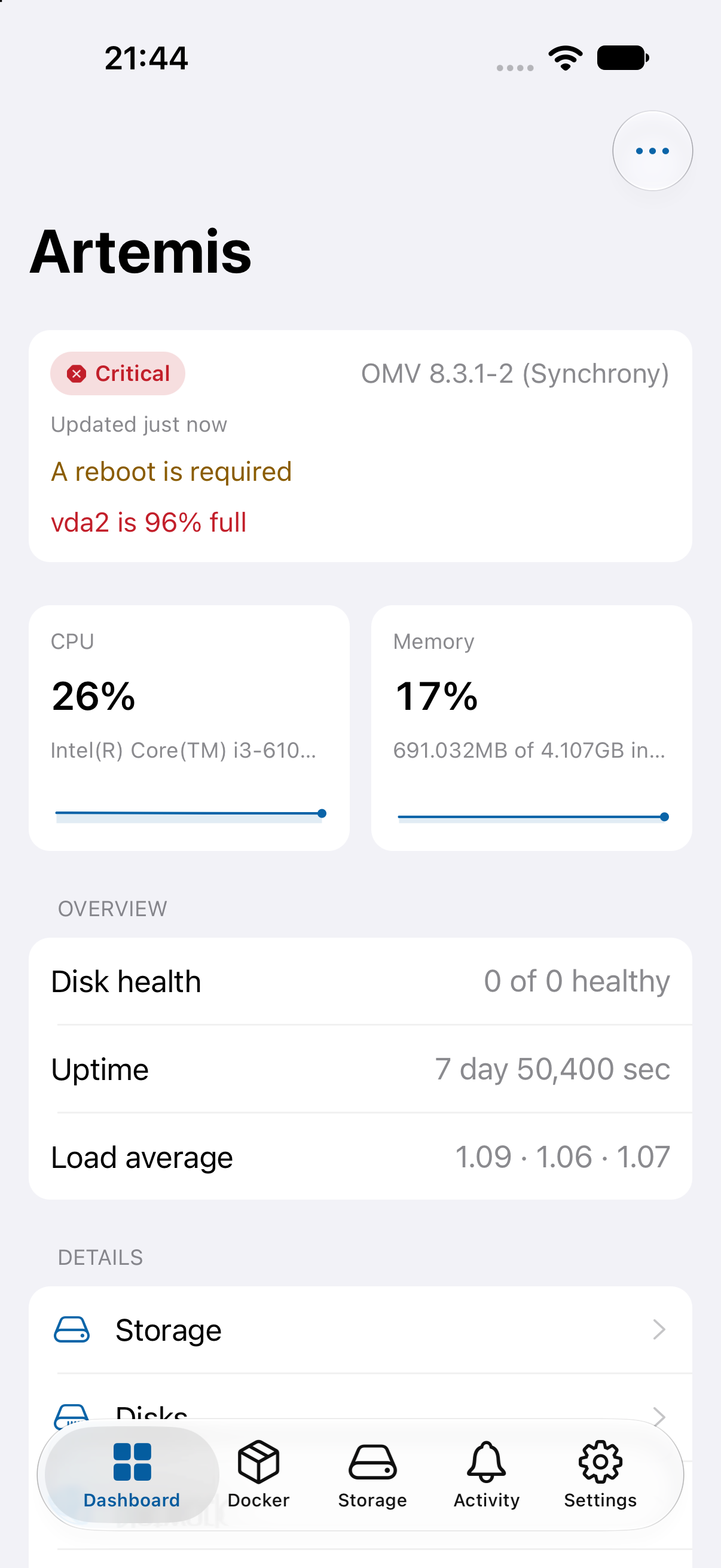
The dashboard has one card per server, so you know in seconds whether anything needs your attention.
Status of each server: online, offline, connecting, sign-in problem, warning or critical
CPU, memory and storage with clear bars, plus disk health, uptime and network throughput
Warnings on the card, such as a pending restart or a filesystem that is almost full
When a server cannot be reached, the card keeps the last known data and says how old it is
Pull to refresh, and a default server of your choice
Dashboard
Server details
Trends, storage and system information
Open a server for the details. CPU and memory show a short trend line, and every area has its own screen.
CPU and memory trend charts while the app is open
Filesystems with capacity, used and available space, type and mount status
System information: operating system, kernel, OpenMediaVault version, uptime, processor and memory
Server time and boot time, with values that stay readable on small screens
Network
Disks and RAID
Know your disks before they fail
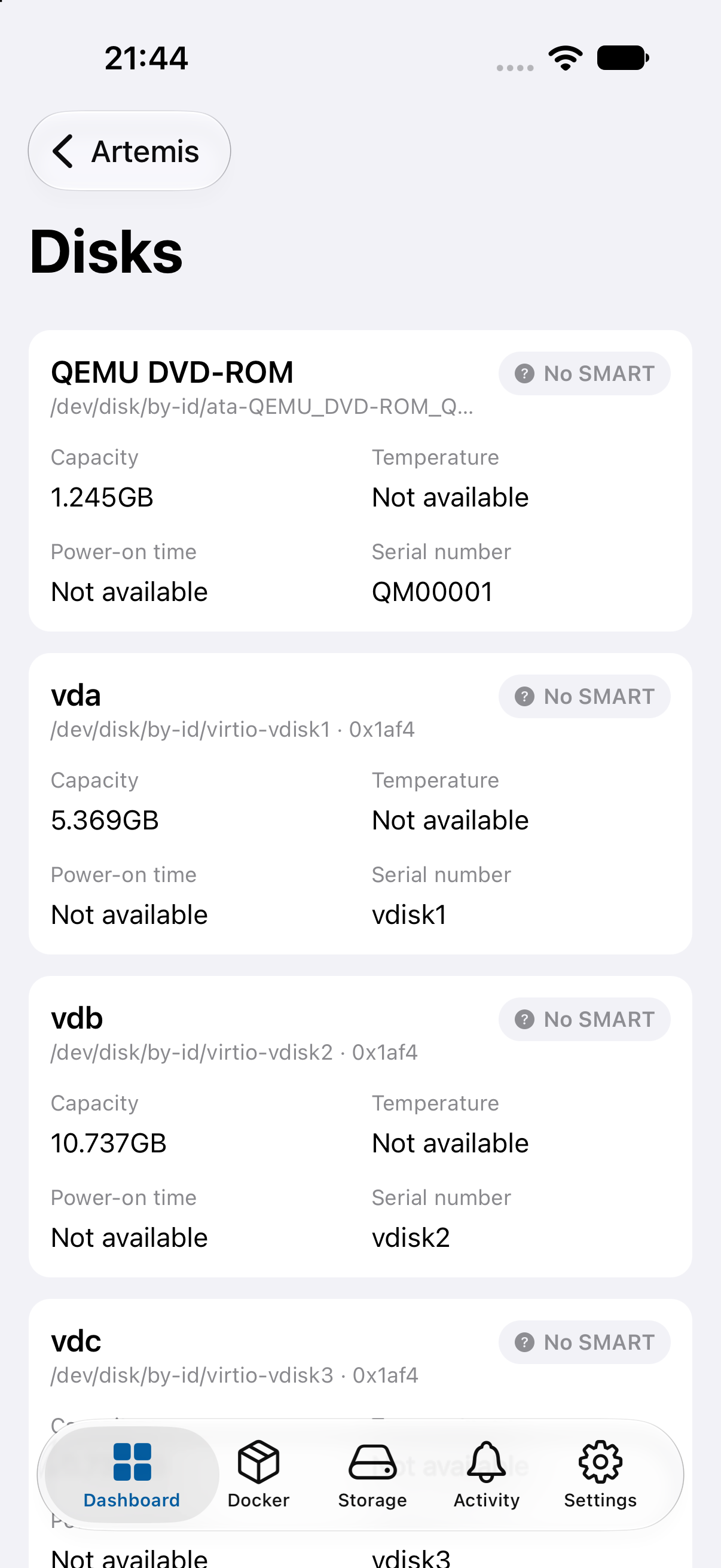
Every physical disk is listed with what OpenMediaVault knows about it, so a problem is visible early.
Model, device path, capacity and serial number
Temperature, power-on hours and SMART status where the disk reports it
RAID arrays with level, state, members, degraded warning and sync progress (when the RAID plugin is present)
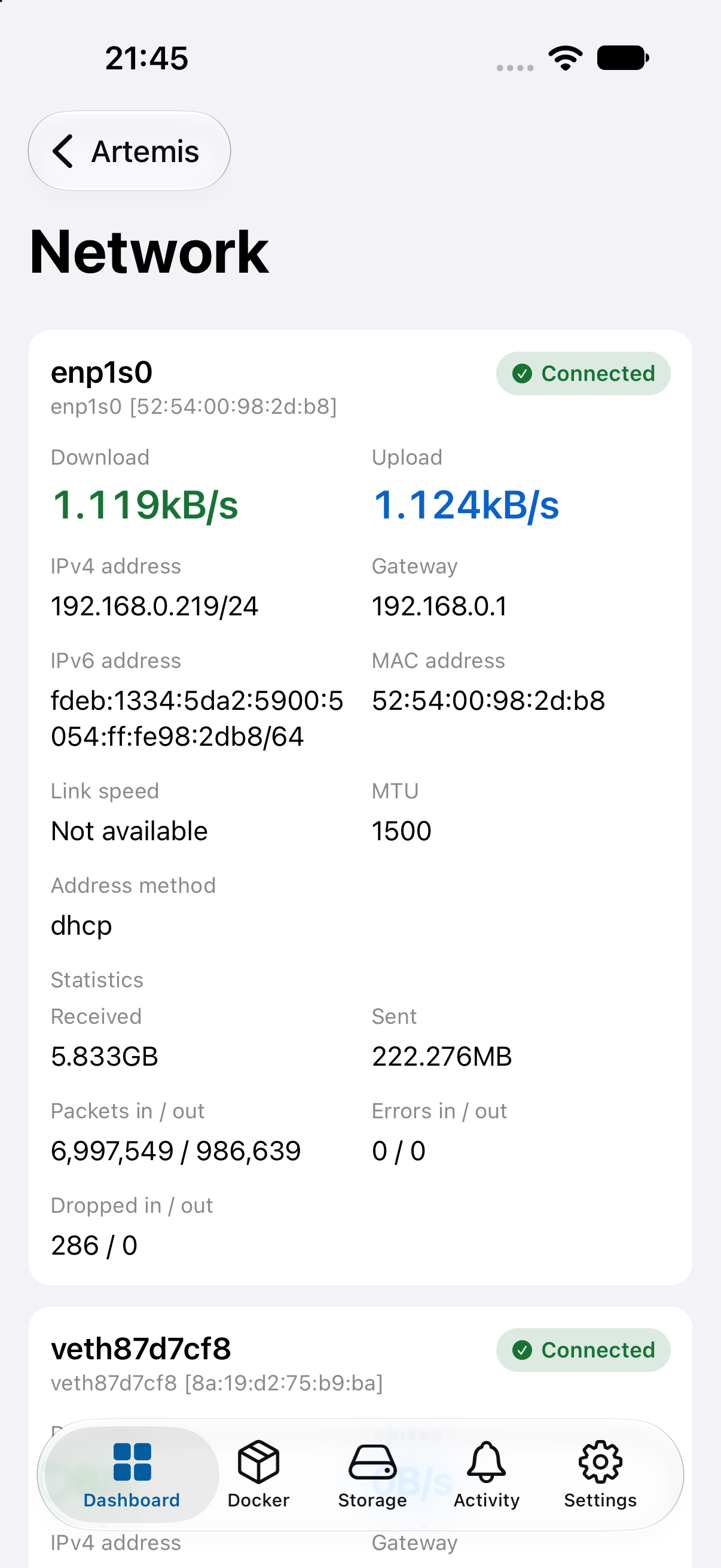
Network interfaces with addresses, MAC, speed and live throughput
Disks
Docker
Containers, with their own icons
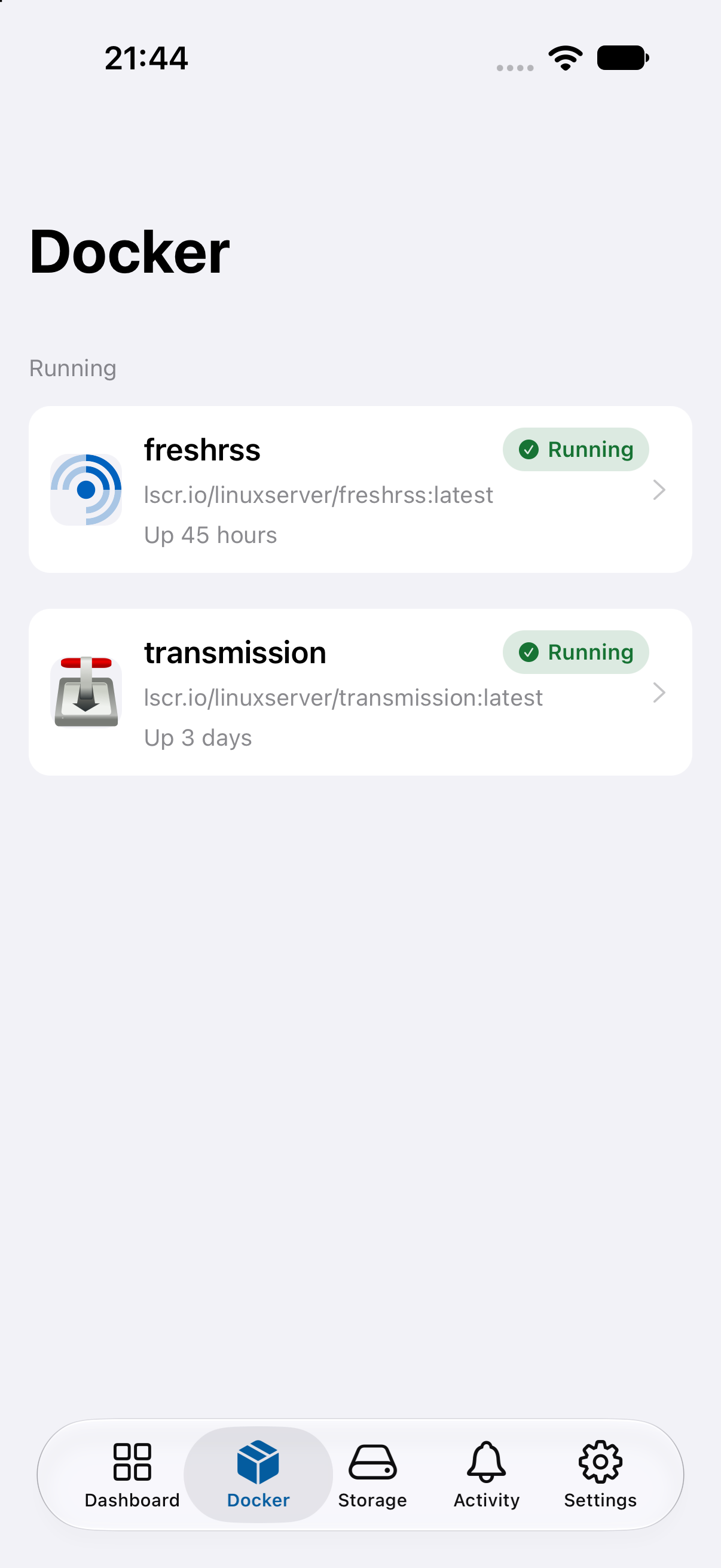
If the server runs Docker with the OpenMediaVault compose plugin, the containers get their own section.
Searchable list grouped into running and stopped
The app recognises more than forty well-known applications from the image name and shows their logo
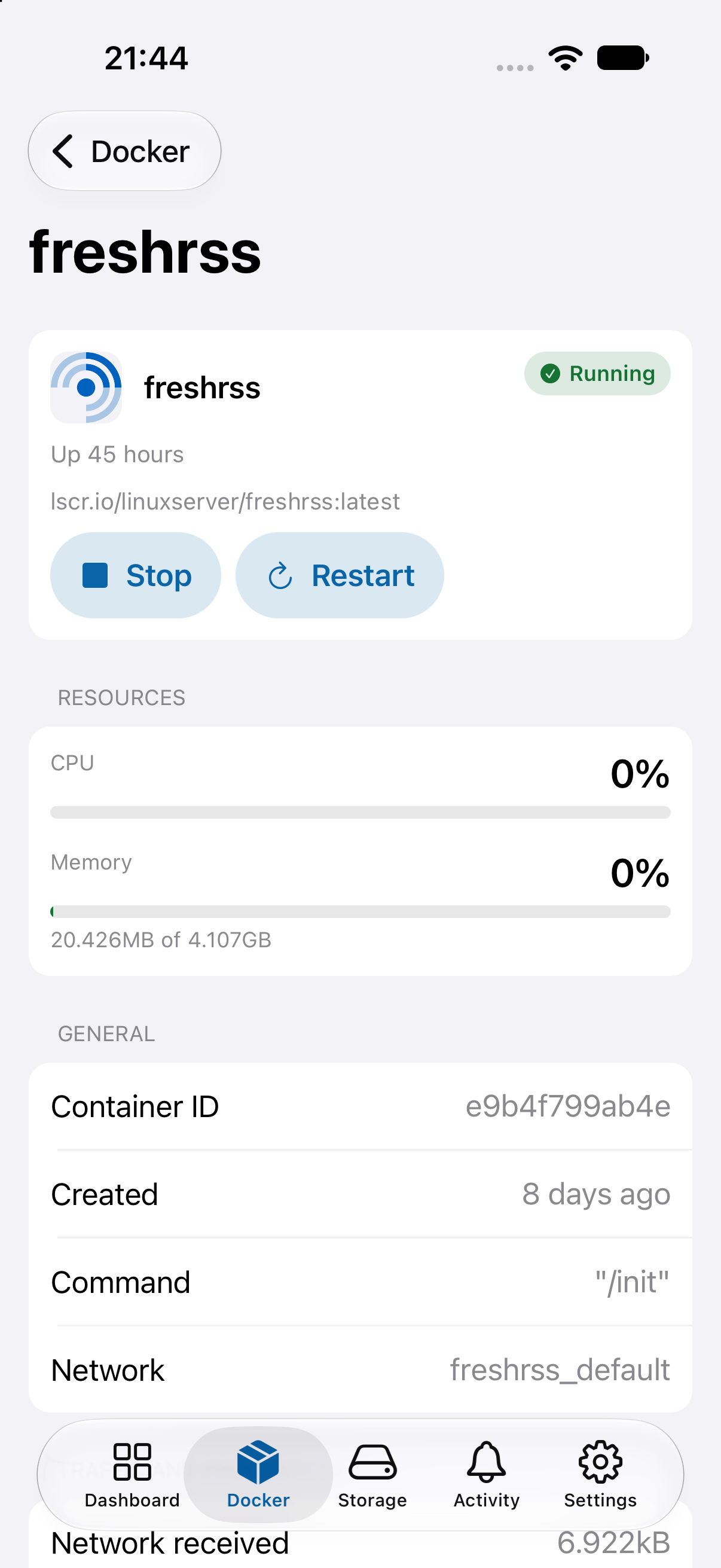
Container details with CPU and memory use, ports, mounts, network and traffic
Start, stop and restart a container right from its details
Container listContainer details
Services
See what is running
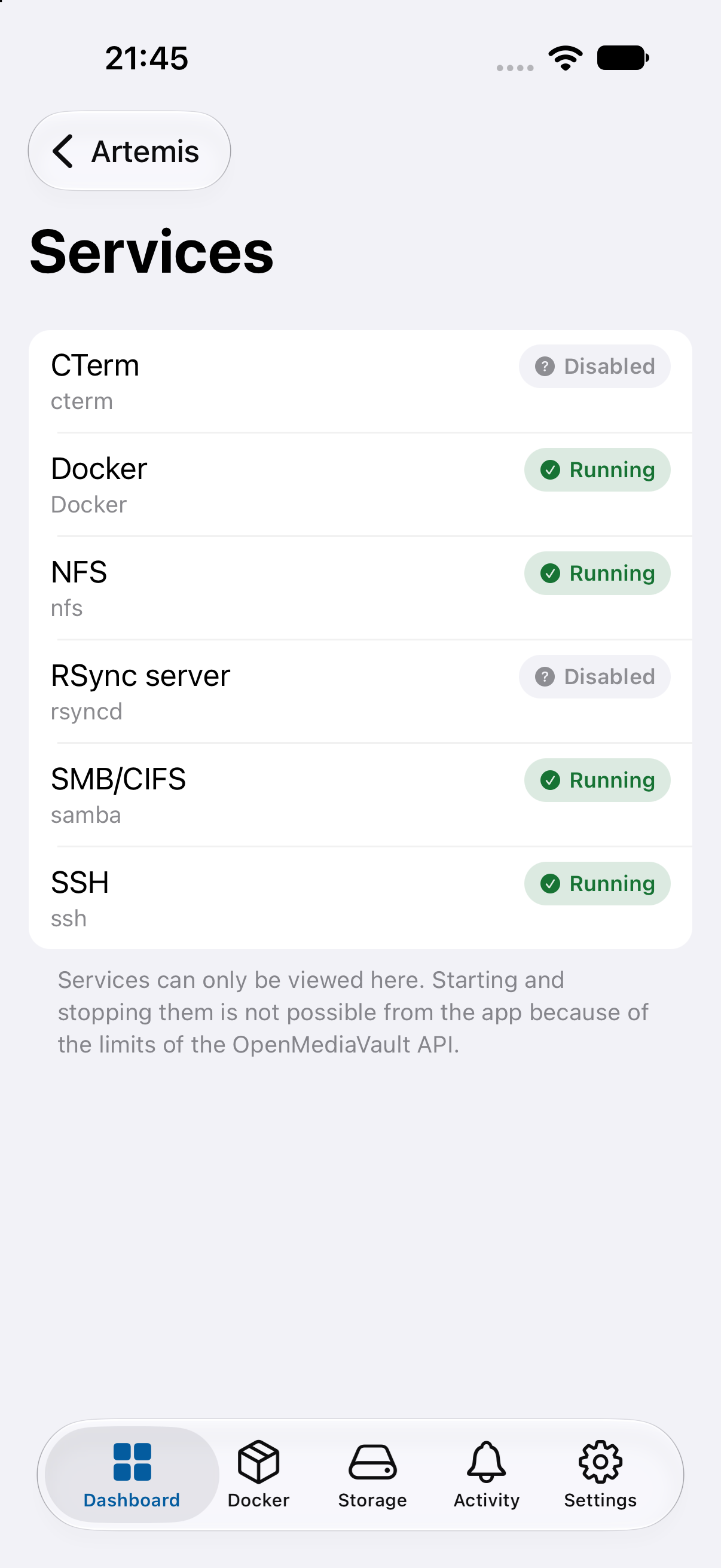
A read-only list of the services of the server and their state, with a stopped-but-enabled service shown as a warning.
Running, stopped and disabled services at a glance
Read-only on purpose: the OpenMediaVault API has no way to start or stop a service, and the app says so
Services
Activity
A log of what changed
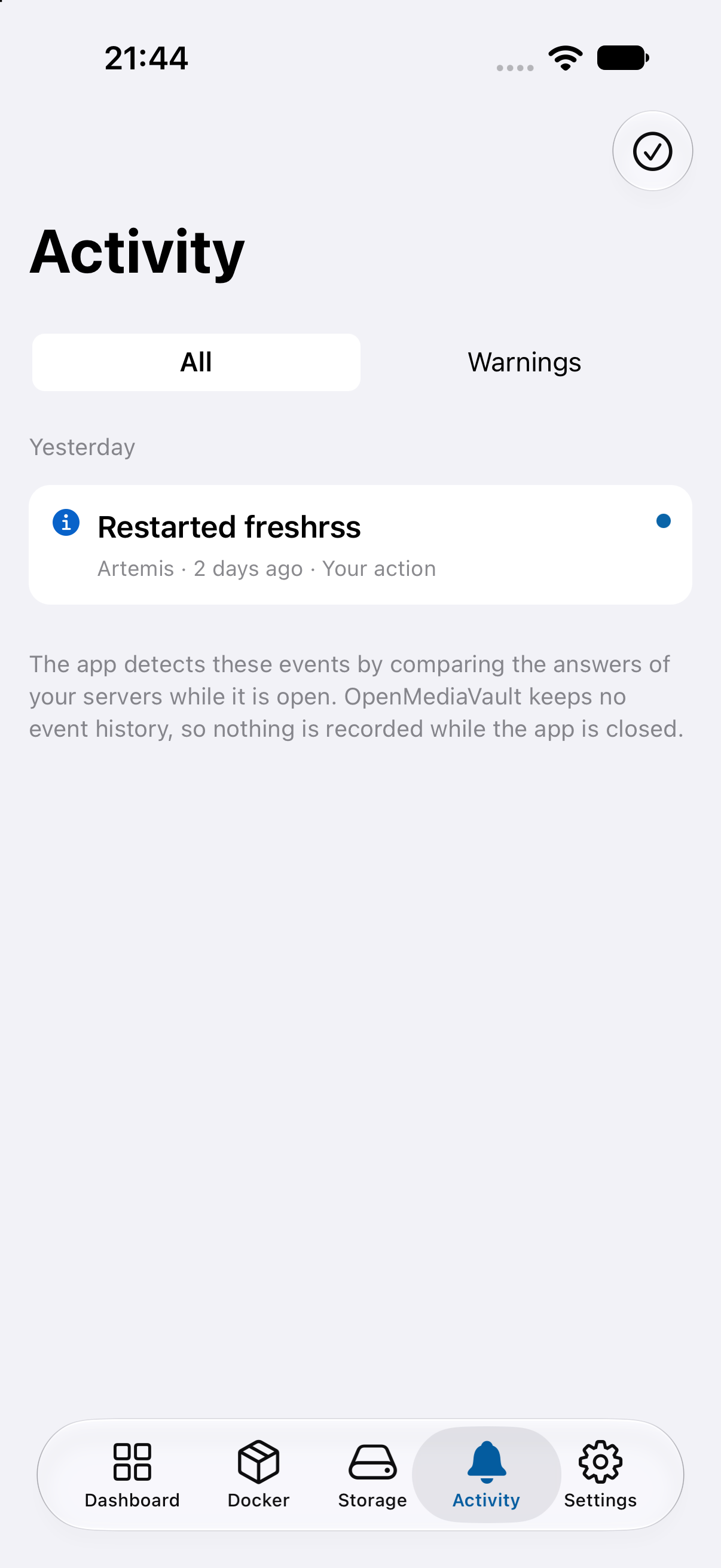
OpenMediaVault keeps no event history, so the app compares the answers of your servers while it is open and records what changed.
Server disconnected and reconnected, disk and SMART warnings, filesystem problems, degraded RAID
A stopped service or container, and sign-in failures
Your own actions, such as a container you stopped, are listed too
Filter by warnings or by server, and mark everything as read
Activity
Settings
Yours to adjust
The app follows your phone and lets you change it where it matters.
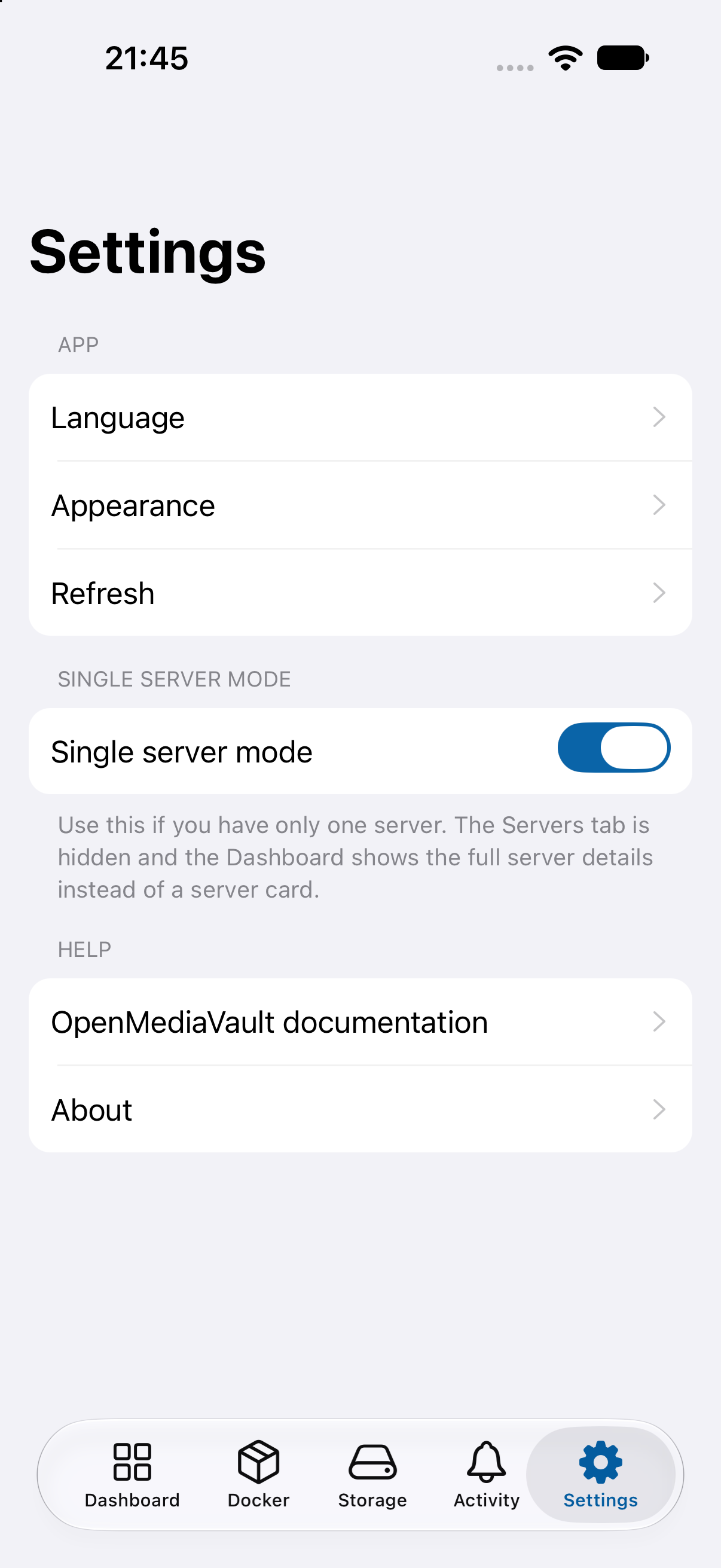
Language: system default, English or Hungarian, applied at once
Appearance: system, light or dark, and Material You colours on Android 12 and later
Several servers, with edit, test connection, default server and reorder
Settings
Safe by design
How your login is handled.
Administrator account
OpenMediaVault only allows administrators to use its API, so the app needs one. Use a dedicated administrator account with a strong password.
Secure storage
Passwords and sessions live in the Keychain on iOS and the Keystore on Android. Nothing is kept in plain settings.
No account, no analytics
The app talks only to the servers you add. There is no sign-up, no tracking and no telemetry.
VPN or Tailscale
Reach your server over your home network, a VPN or Tailscale instead of opening it to the internet.
HTTP on your LAN, HTTPS when you can
Home servers often use plain HTTP, and the app allows it. Prefer HTTPS: a certificate from a private CA works once you install that CA on the phone. Certificate checks are never weakened.
Limits you can rely on
No start or stop of services, no file operations. The app only sends actions you start yourself.
 openmediavault monitor